GIMP
GIMP is a free, open-source raster image editor for photo retouching and graphic work. This page covers version 3.2.6 for Windows.
Windows
Open source
11.2605.81.0 · Microsoft Corporation · Page updated
Paint is Microsoft's free raster graphics editor that comes with Windows and can be reinstalled from Microsoft Store.
Average 0.0 · ratings: 0
Thank you! Your rating is saved; you can change it. Could not save the rating. Please try again later. Too many ratings from your network today. Please try again tomorrow. The average appears after 5 ratings.
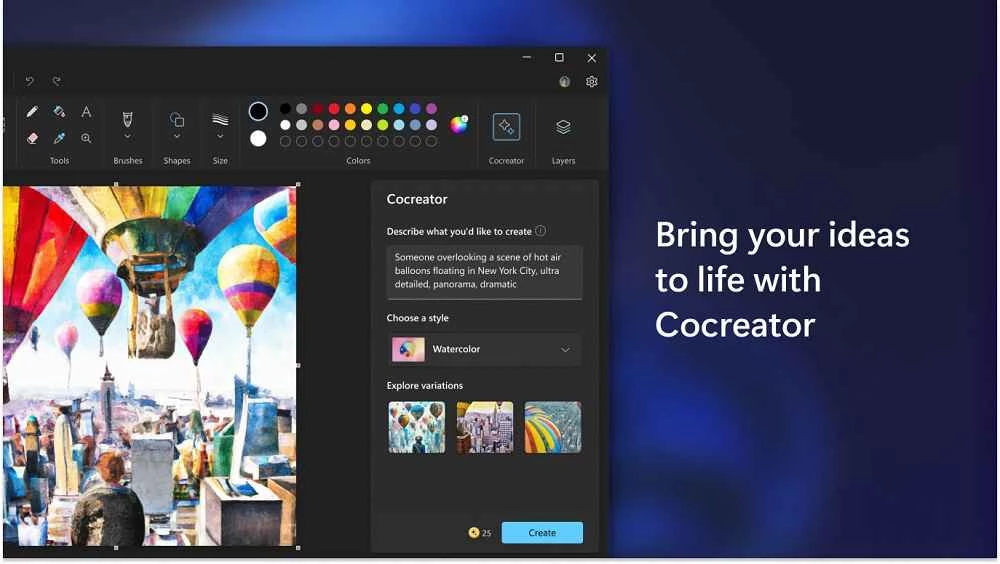
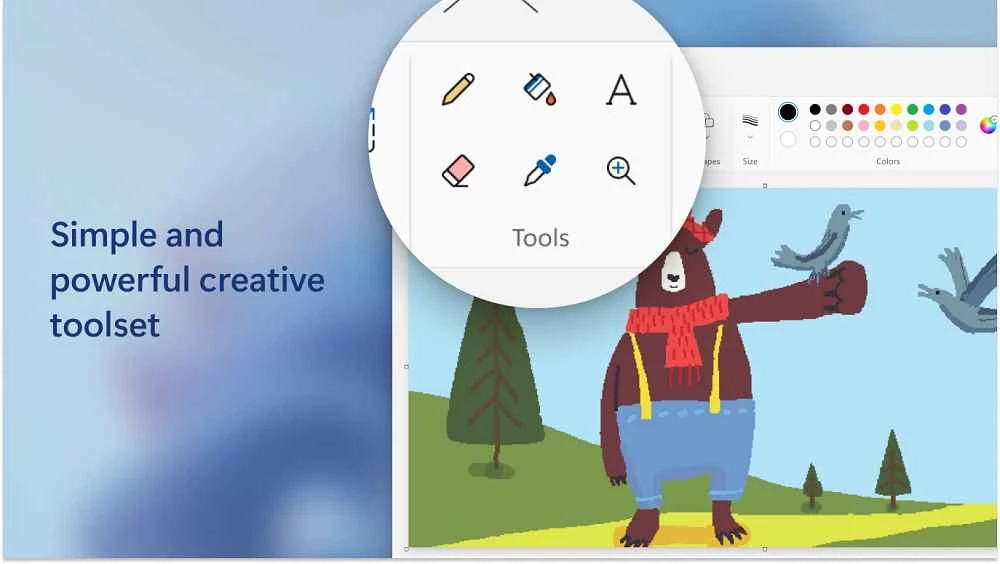
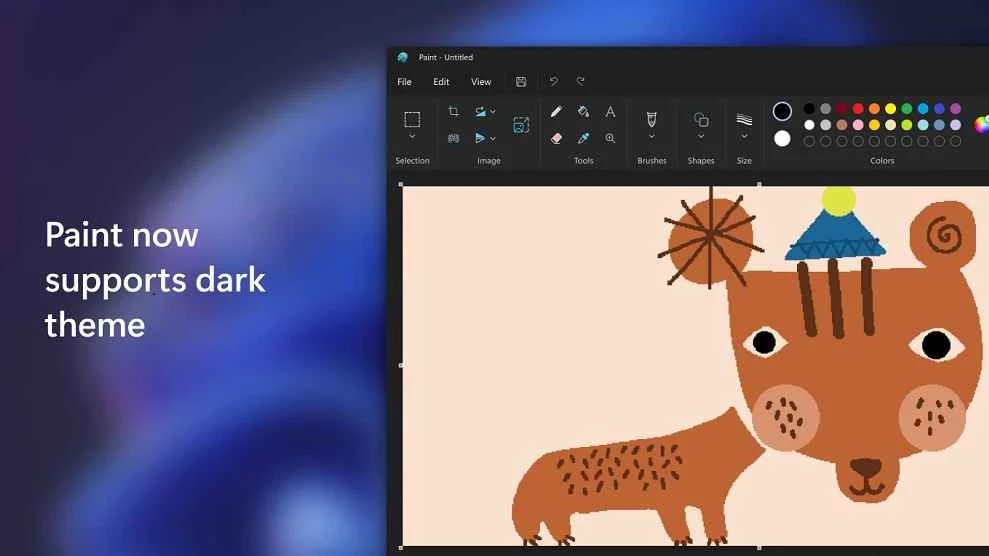
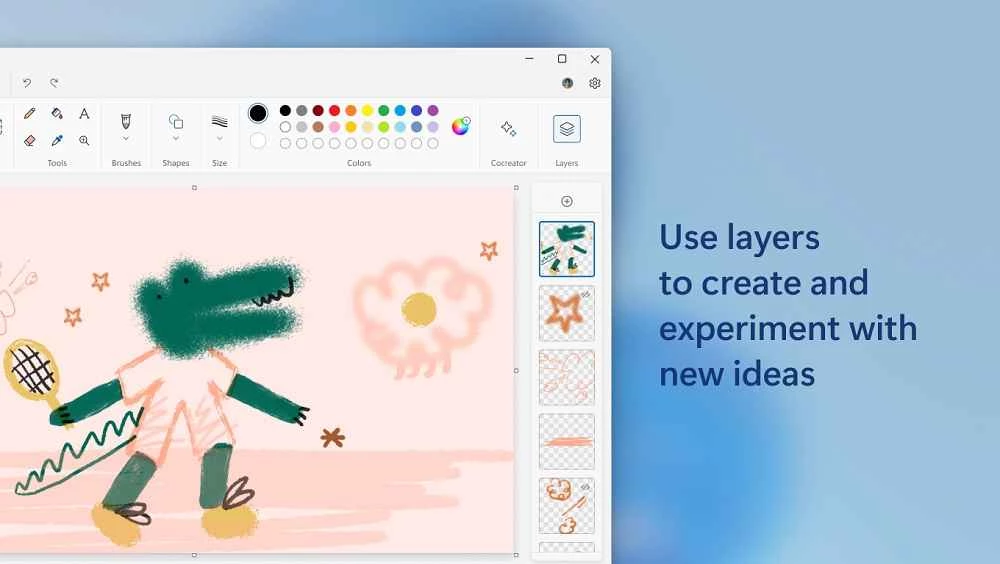
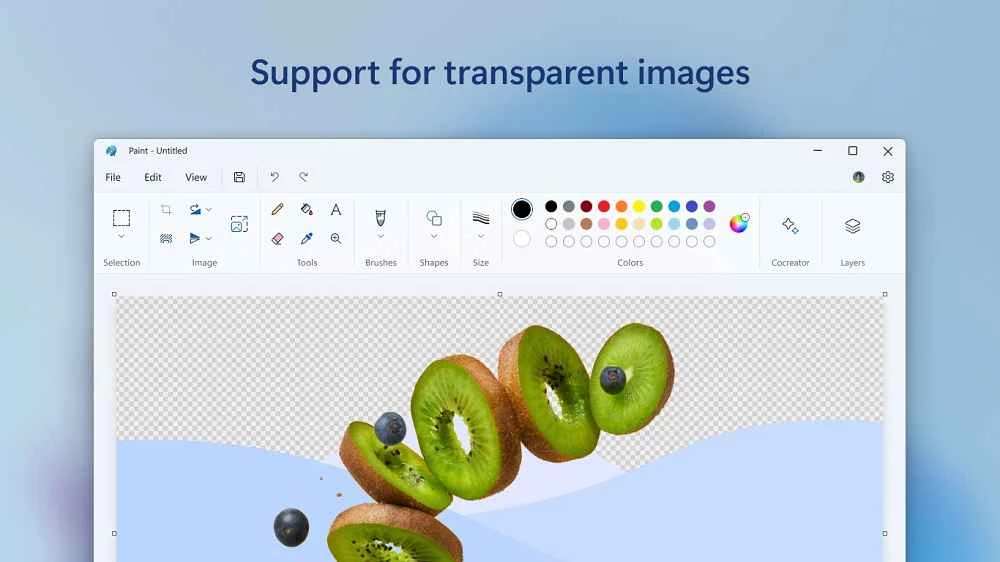
Paint 11.2605.81.0 is Microsoft's free raster graphics editor for Windows, a component of the system since 1985. It usually comes preinstalled, and if it is missing you can download Paint for Windows again from Microsoft Store.
Paint first shipped in November 1985 and has been part of Windows ever since, which makes it one of the longest-lived Windows programs. For decades it was the tool for a quick sketch, a crop, a resize or an arrow on a screenshot. The modern version is distributed as an app through Microsoft Store, so it gets updates separately from Windows, and Microsoft publishes new features for testers in the Paint release notes for Windows Insiders. It remains a raster editor: it works with pixels, suits simple drawings, screenshots and small corrections, and opens the common image formats. It is not meant for professional photo retouching or vector illustration, and it does not try to be. Its value is that it opens instantly, needs no learning and is already on almost every Windows PC. The catalogue lists the package at about 722.25 MB, which is more than most people expect from Paint.
Paste a screenshot with Ctrl+V, select the area you need and crop to it. Use the resize option to make a photo small enough for email or a form upload. Add text or a simple shape to point at a detail in an image. Save a copy in PNG for screenshots with text and in JPEG for photos, and keep the original file untouched in case you need to start again.
On some Windows installations Paint is an optional app that can be removed. If you cannot find it in the Start menu, search for it in Microsoft Store; installing it again takes a minute and restores the familiar shortcut.
Paint is a Windows app; the Microsoft Store listing shows which Windows versions the current release supports.
Paint is free. Get it only from Microsoft Store; installers of "Paint" offered on other sites are not from Microsoft and may bundle unwanted software.
For more advanced editing, our site lists GIMP, Photoscape, Adobe Photoshop and Paint 3D; for screenshots, Snipping Tool.
GIMP is a free, open-source raster image editor for photo retouching and graphic work. This page covers version 3.2.6 for Windows.
Adobe Photoshop is the raster graphics editor from Adobe for photo retouching and image editing. Version 2026 27.10 installs as a trial on Windows.
Adobe Illustrator Online refers to using Adobe's vector design tool through the browser and Adobe's web services, with an Adobe account and plan.
Adobe Illustrator is Adobe's vector graphics editor for logos, illustrations and print design. This page covers Illustrator CC 2026, version 30.8, for Windows.

PicWish is an AI photo editing app for Windows that removes backgrounds, cleans up images and prepares product photos with a few clicks.

PixelLab is an Android app from App Holdings for adding text, stickers and effects to photos; on a Windows PC it runs through an Android emulator.
Adobe Photoshop CS6 is an older perpetual-licence version of Adobe's image editor for Windows; Adobe no longer sells or updates it, and today's Photoshop is subscription-based.